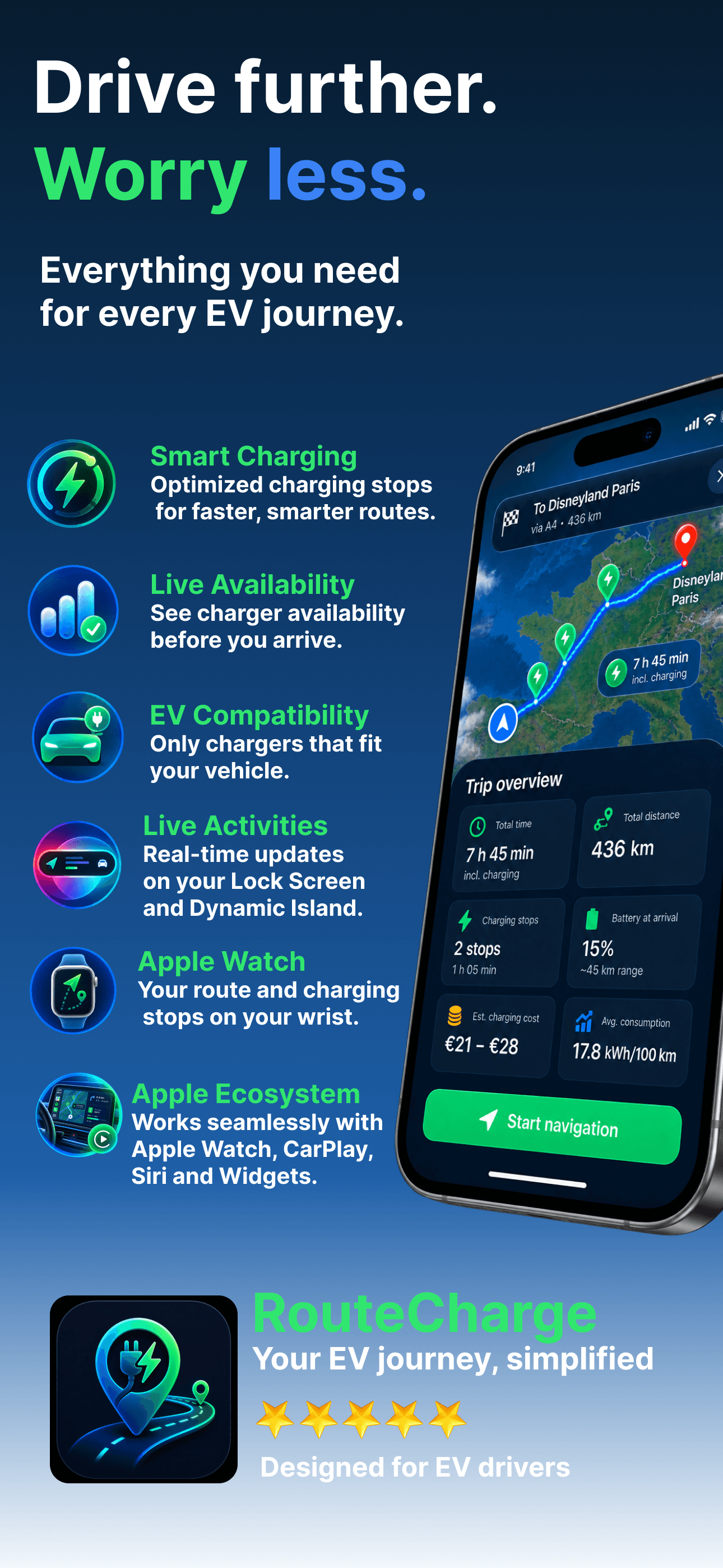
EV route planning

Drive further.
Worry less.

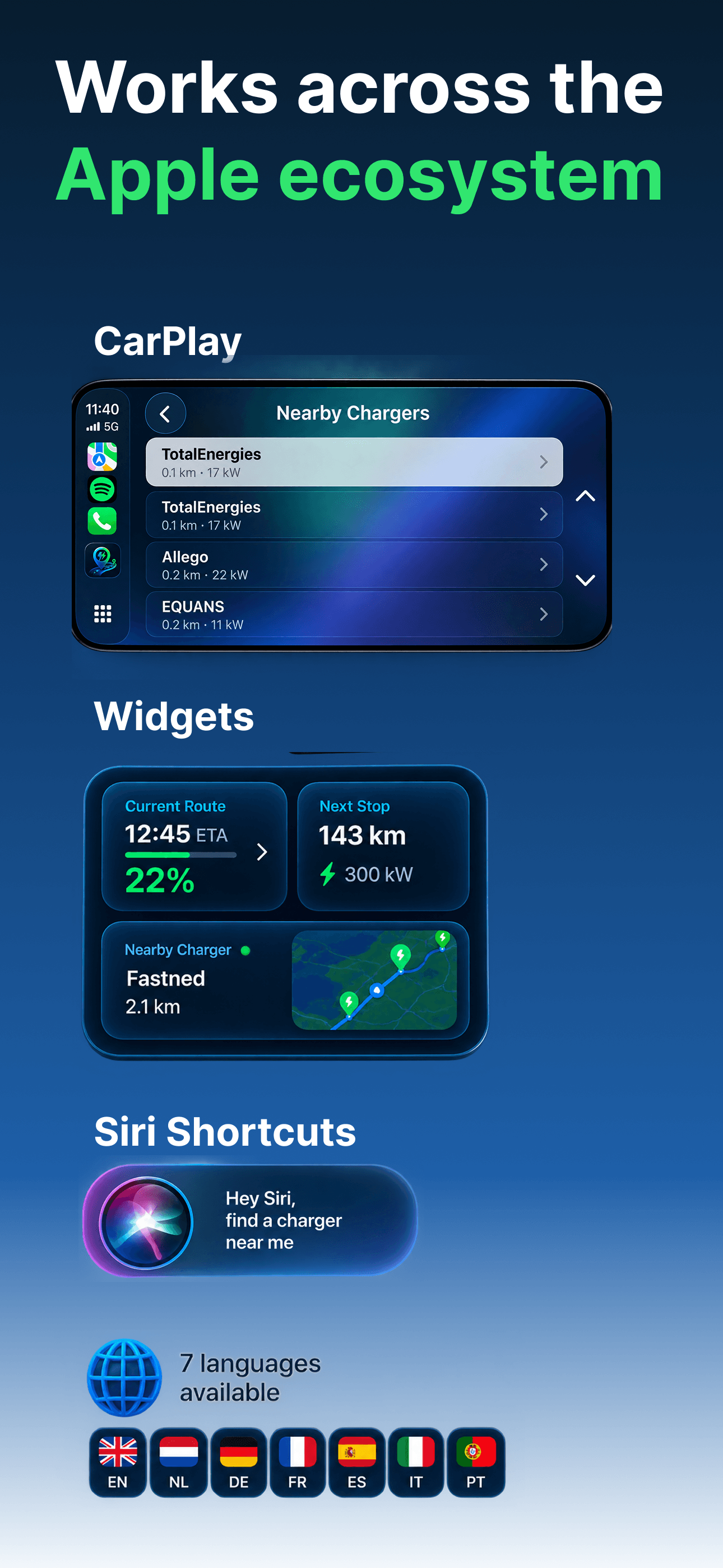
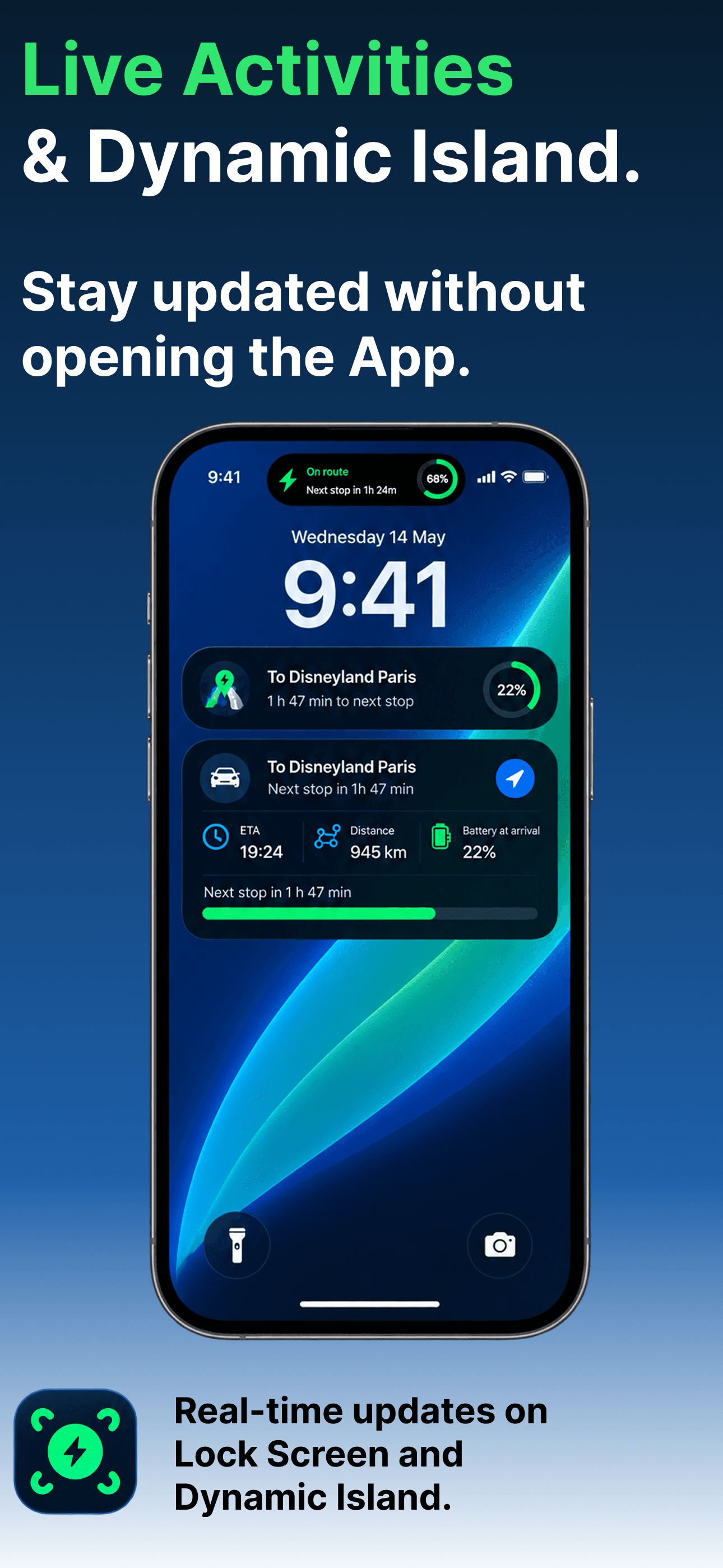
RouteCharge plans EV road trips around chargers that actually fit your car — so you know what to expect before you arrive.

Launching soon on the App StoreSee how it works ↓
No account required — open it and goTomTom & Open Charge Map dataFree to explore every charger
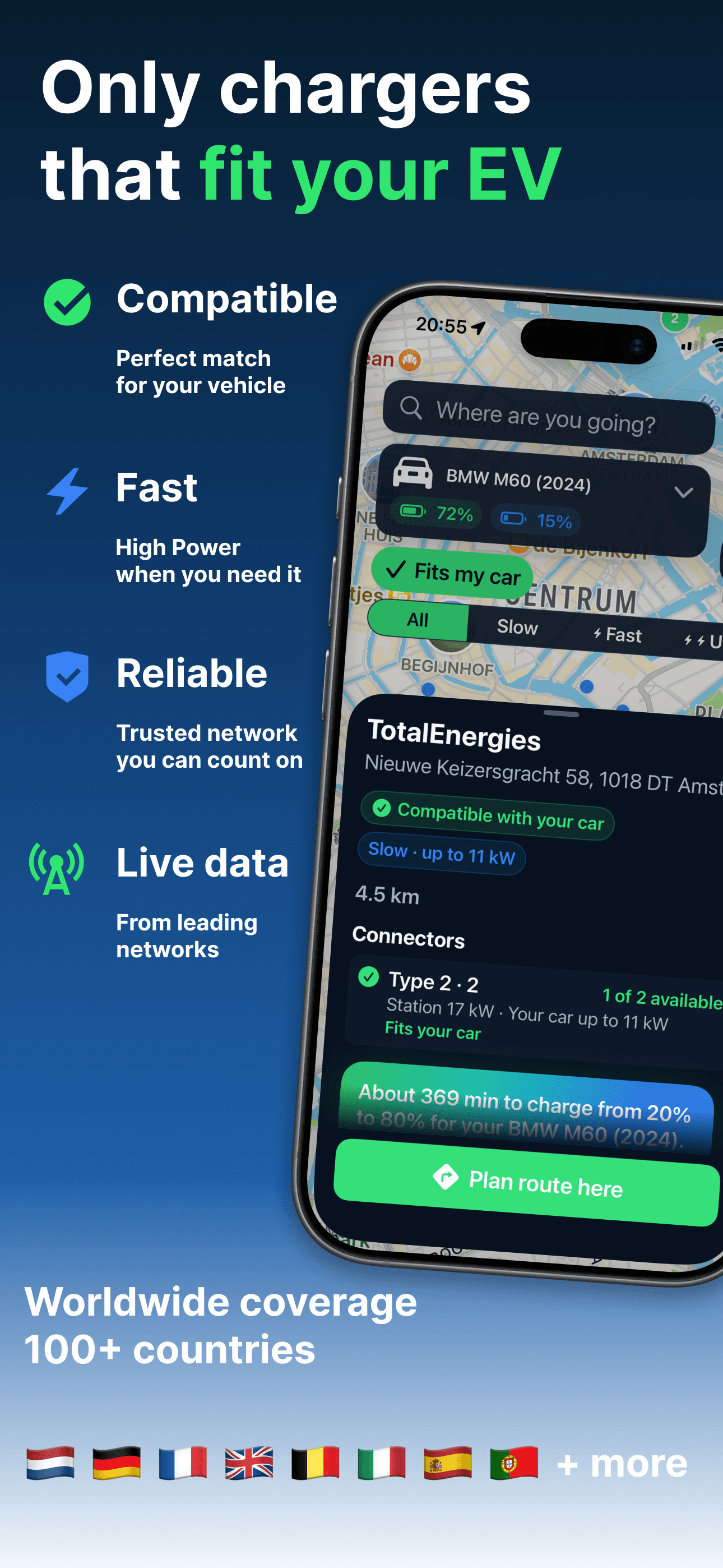
RouteCharge map showing nearby chargers in London with the Fits my car filter and speed segments
Compatibility, at a glance

Know what fits before you tap it.

Every charger is checked against your exact vehicle’s connectors — never assumed. RouteCharge only claims a match when it’s actually confirmed.

Compatible, incompatible, or unknown

Not every data source reports enough to be sure. Rather than guess, RouteCharge shows a third state — so a missing spec never gets mistaken for a working plug.

  • Fits my car highlights confirmed matches and quietly dims the rest — nothing disappears from the map.
  • All, Slow, Fast, Ultra speed filters, based on real advertised power, not a rough label.
  • Speed or compatibility that isn’t confirmed is labelled unknown — never rounded up to a confident answer.
✓ Fits my car
AllSlowFastUltra
Compatible — confirmed connector match
Unknown — data doesn’t say either way
Not compatible — confirmed mismatch
Route planning

Every stop, planned with confidence.

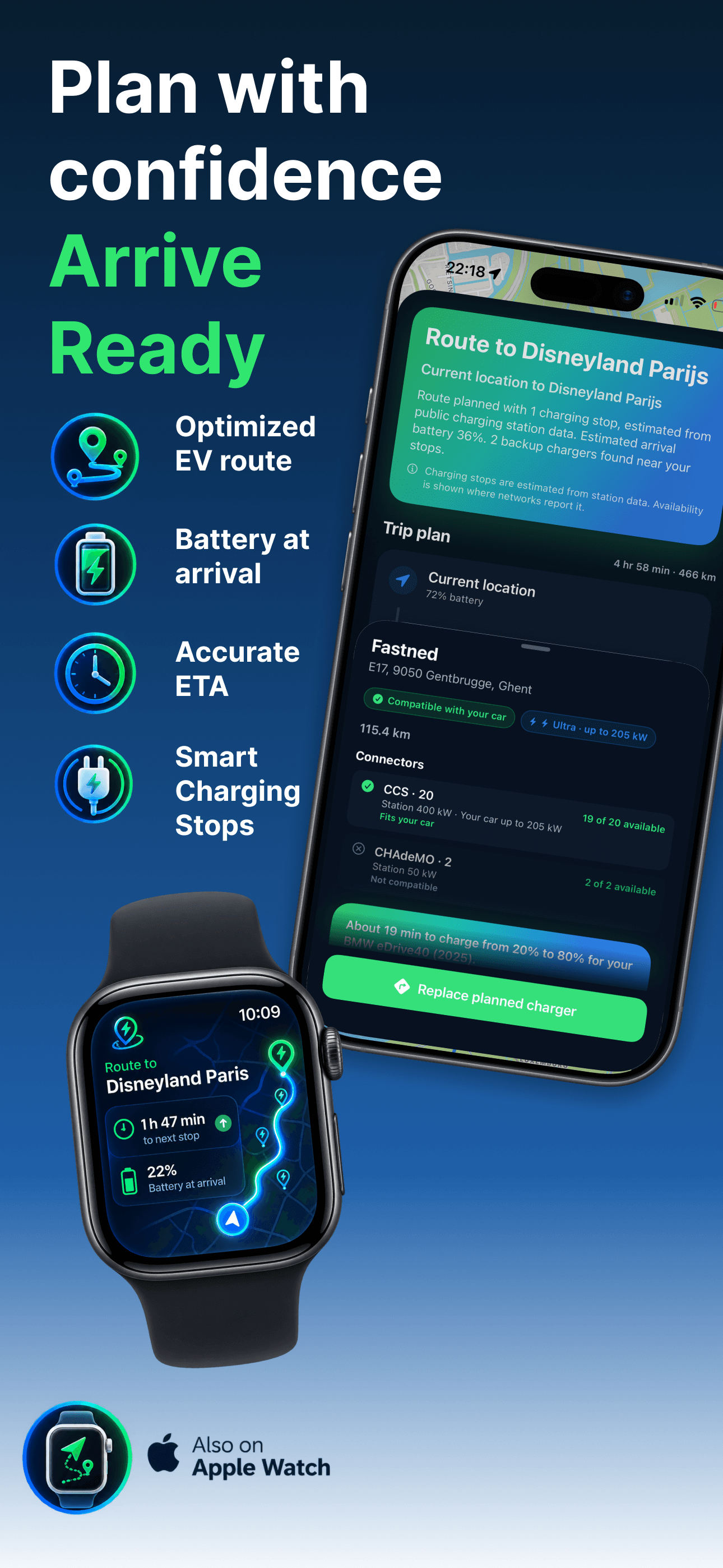
RouteCharge builds a charging plan around your battery and your car’s real charging curve — and labels every number for exactly what it is: an estimate.

RouteCharge route to Birmingham with one charging stop, arrival battery, and drive times

Stops you need, nothing you don’t

Search a destination and RouteCharge works out where — and whether — you need to charge, using your car’s actual usable battery and charging speed.

  • Arrival battery, charging duration, and drive time for every leg of the trip.
  • Time estimates are marked “Approx.” — real speed depends on temperature, state of charge, and the charger itself.
  • No stop needed? RouteCharge says so plainly, instead of inventing one.
Station details

Advertised power and your car’s power aren’t the same thing.

A 350 kW charger doesn’t mean your car draws 350 kW. RouteCharge shows both numbers, so you know what to actually expect.

Every connector, explained

Station detail pages list each connector by name — not just an icon — with the charger’s advertised power next to the power your specific car can use.

  • Compatible connectors are listed first, clearly marked.
  • Live availability is shown only when a network actually reports it — never faked.
  • “Up to” language throughout — RouteCharge never promises a sustained charging rate.
CCS2 · 22 of 2 available
Station 300 kW · Your car up to 205 kW
FITS YOUR CAR
Unknown connector
Power not reported
COMPATIBILITY UNKNOWN
CHAdeMO
Station 50 kW
NOT COMPATIBLE
Our approach

Clear about uncertainty.

Charging data and route estimates are not always complete. When RouteCharge cannot confidently determine compatibility or performance, it shows that clearly instead of presenting an assumption as a fact.

Approx. 24 minUp to 205 kWCompatibility unknownEstimated arrival
Your vehicle

Choose your vehicle.

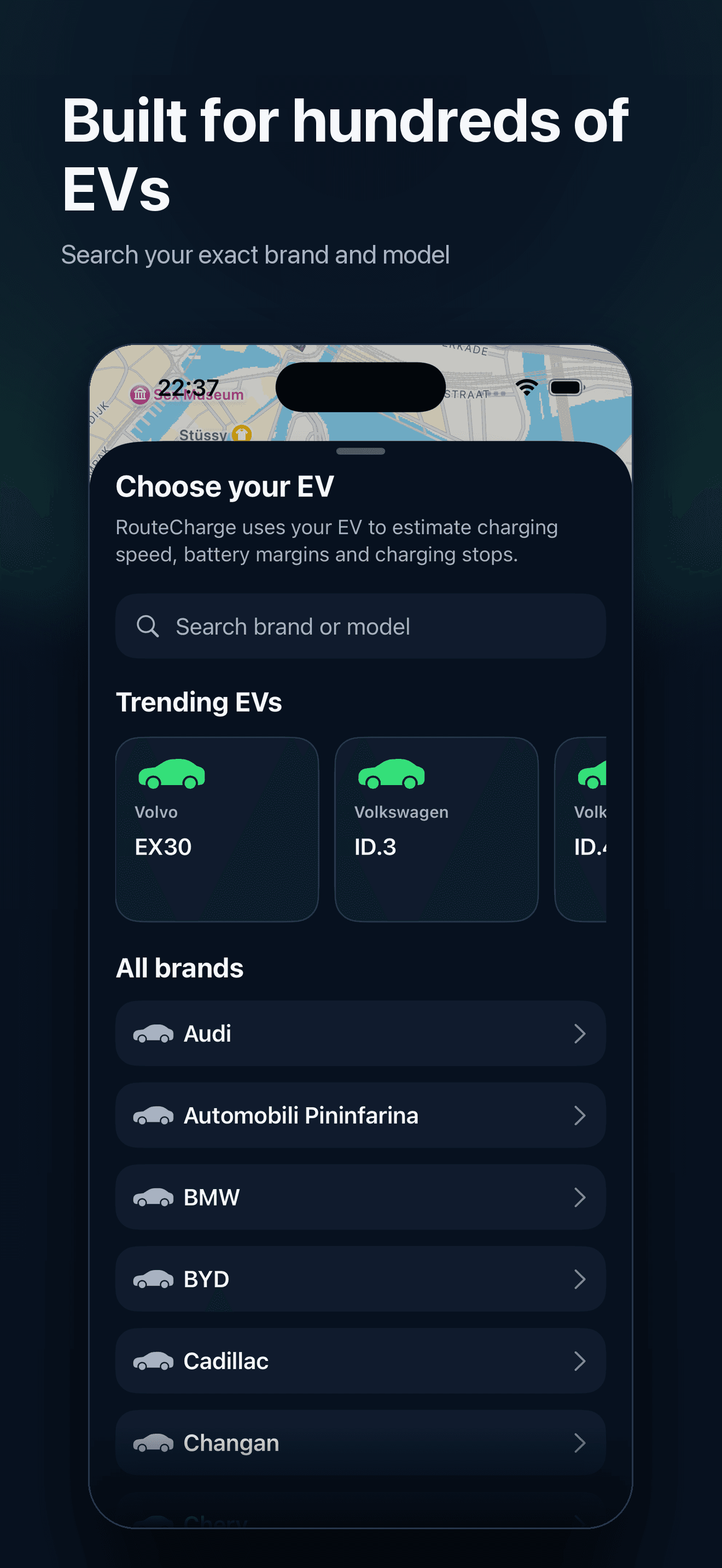
Select your own electric vehicle and let RouteCharge plan using its usable battery capacity, charging limits and compatible connector types.

RouteCharge Pro

Your own vehicle, not a generic profile

  • Routes matched to your vehicle
  • Vehicle-specific range estimates
  • Charging stops that fit your connector types

Free uses a generic EV profile. Pro lets you select your own vehicle for more personalised route planning.

RouteCharge vehicle selection screen showing electric vehicle models
Free & Pro

Browse for free. Plan routes with Pro.

RouteCharge Free lets you browse chargers and check compatibility with a generic EV profile. Pro adds your own vehicle, so routes are planned around what it can actually do.

Free

No account required. No time limit.

  • Browse the map and search for chargers
  • Charger compatibility and charging-speed info
  • Favourites and recent searches
  • Generic EV profile
Included with RouteCharge
Most popular

Pro

Monthly or yearly, auto-renewing — see current pricing in the App Store

  • Everything included in Free
  • Select your own vehicle from the full catalogue
  • Plan full charging routes and navigate turn-by-turn
  • Vehicle-specific range and charging-speed estimates, using its usable battery capacity
  • Save and manage your vehicles
Available in the app

RouteCharge is almost here.

We’re finishing up review with Apple. Check back soon, or get in touch if you’d like to help test it.